
Ads
Ads
Meta and Google campaigns the platform drafts, runs, and watches, listed with status and spend.
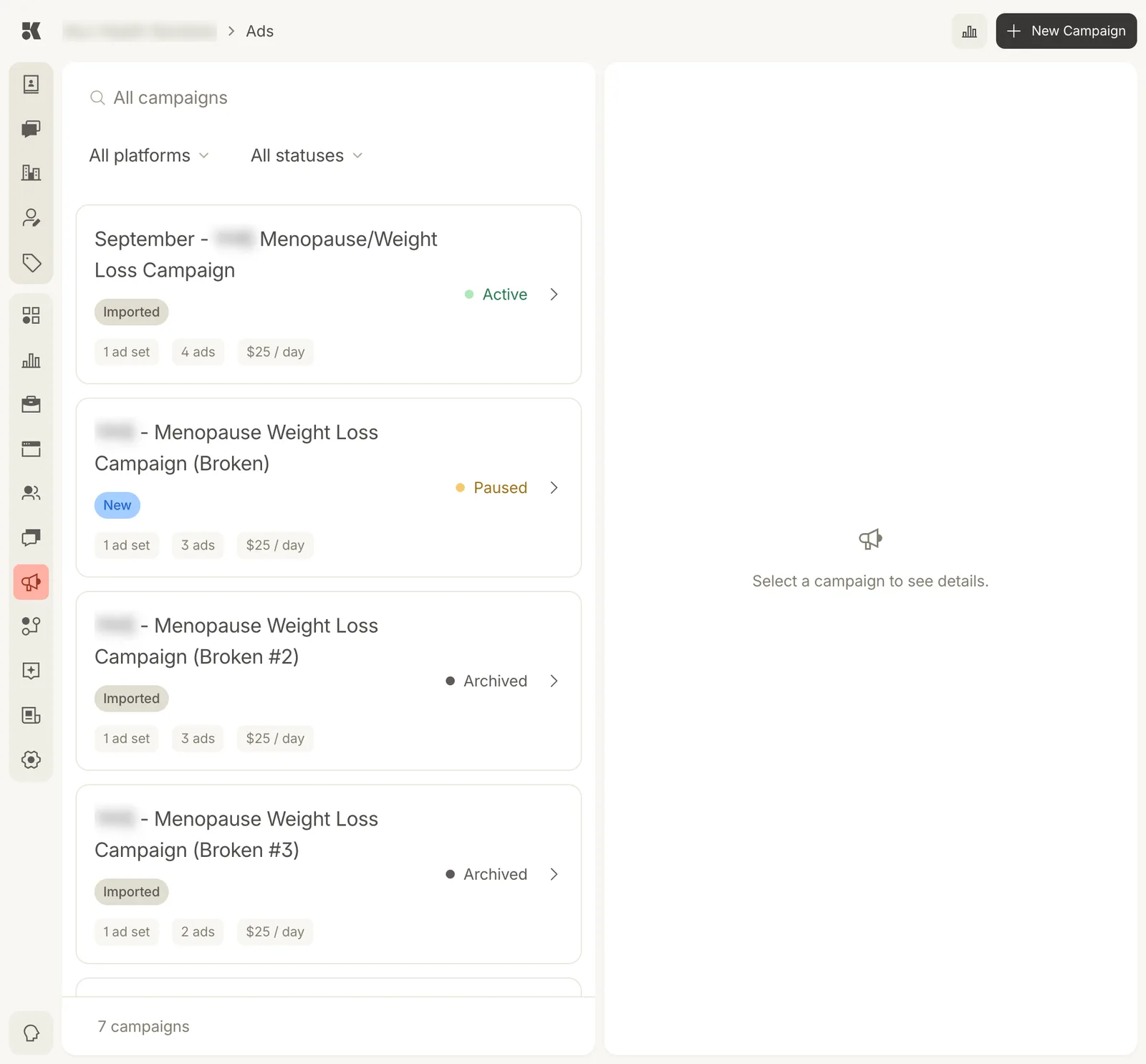
Seven campaigns, filtered by platform and status.
Campaign cards
Each card shows the campaign name, where it came from (Imported from your existing ad account, or New, built by the platform), its status, and three chips: ad sets, ads, and daily budget.
| Status | Meaning |
|---|---|
| Active | Spending. |
| Paused | Kept, not spending. |
| Draft | Built, not yet launched. |
| Archived | Finished; kept for its figures. |
Filter by platform (Meta, Google) and status. Click a card to open it; see A campaign.
Where campaigns come from
- Imported: when you connect Meta Ads under Settings → Integrations, your existing campaigns appear here and can be managed from the console.
- New: the Ads agent proposes campaigns from your services, offers, and location, and raises a Workstream item for approval. New Campaign at the top right starts one yourself.
Performance
The chart icon on each campaign (and at the top of the page) opens Ads analytics for it.