
Business Info
Services
The categories of work you do, each with a name, a description, and a photo. Each becomes a page on your site.
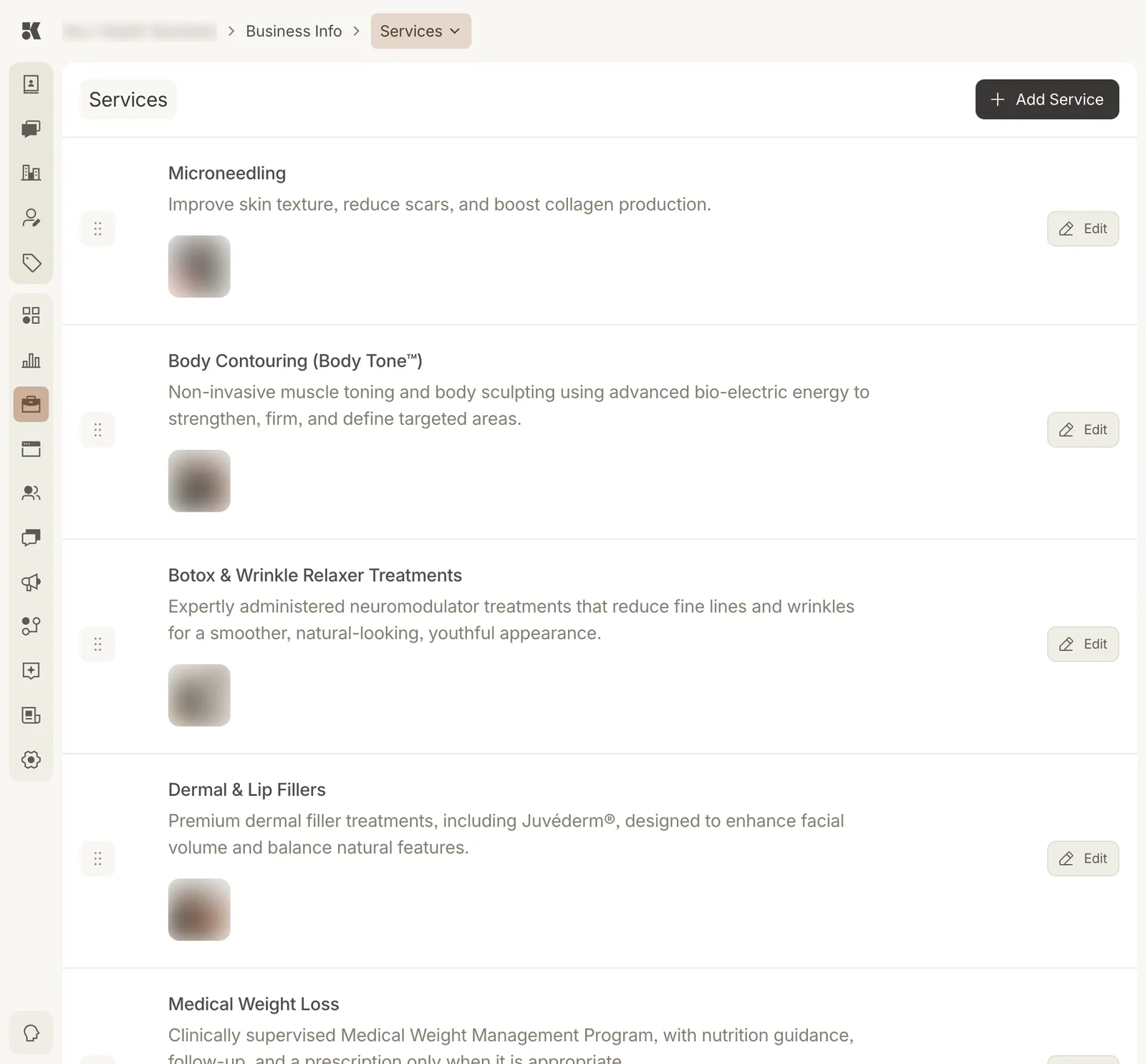
Services in the order they appear on the website.
What a service is
A service is a category: a page on your site, a heading in your navigation, a topic the Content agent can write about. Each has:
- Name: the page title.
- Description: one or two sentences for the card and the page introduction.
- Photo: from the Media Library.
- Slug: the URL, set from the name.
Longer page copy is written by the Website agent from the description plus the Service Items underneath it.
Adding and editing
Add Service opens the form. Edit on a row opens the same form for that service. Drag the handle to reorder; the website navigation follows.
Removing a service
Open it with Edit and use Delete at the foot of the form. The page is removed from the site on the next deploy and its items are left unassigned, not deleted.