
Settings
Users
Who can sign in to this business, their role, and their status.
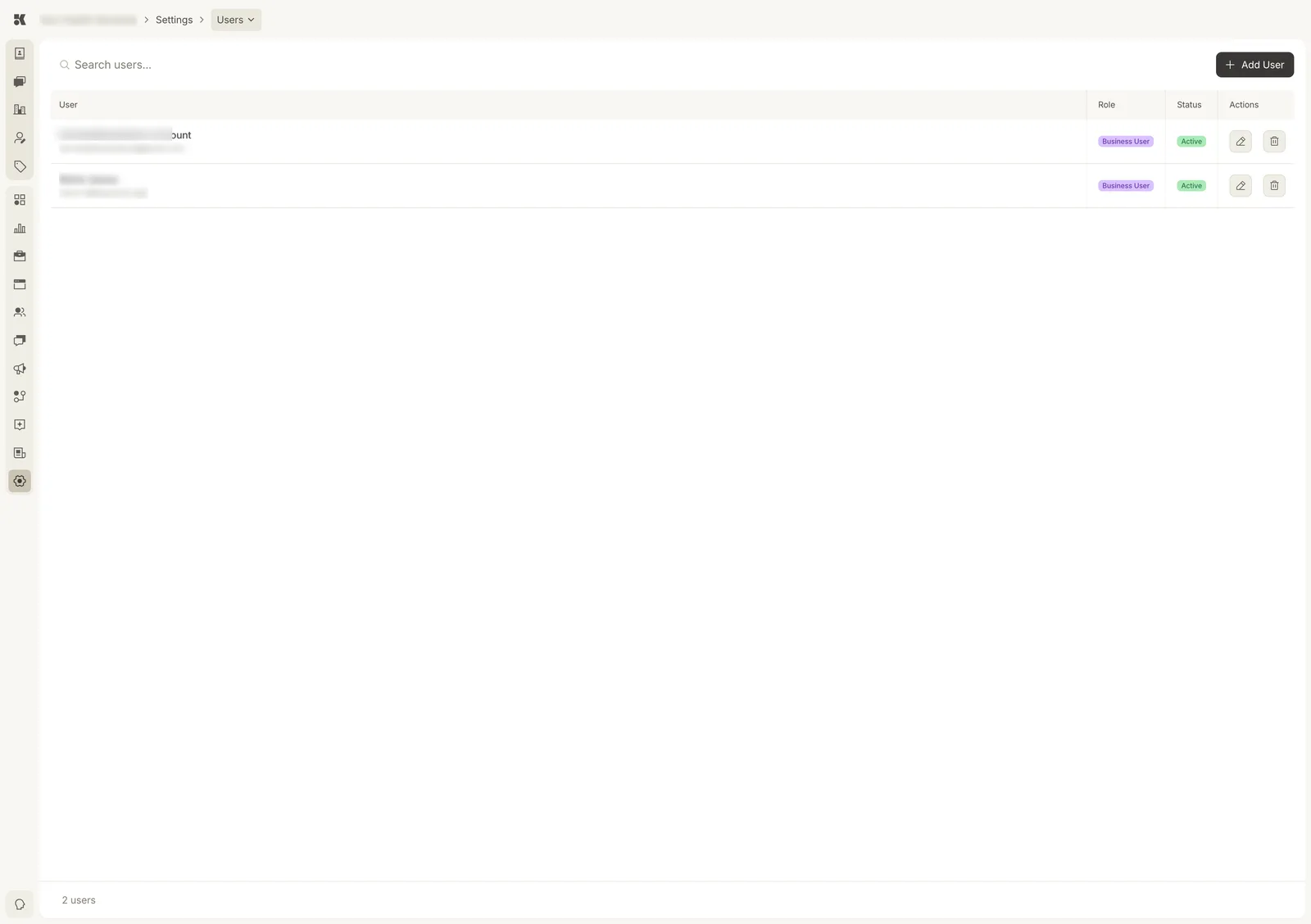
Each user has one role for this business.
Roles
| Role | Can |
|---|---|
| Business Admin | Everything, including users, billing, and integrations. |
| Business User | Work in every area: approve items, edit Business Info, reply to contacts. Cannot manage users or billing. |
| Viewer | Read everything; change nothing. |
A person who belongs to several businesses has a role in each.
Adding a user
Add User: enter their email, choose a role, send. They receive an invitation to set a password (or sign in with Google) and land on the Workstream for this business.
Status
Active users can sign in. Invited have not accepted yet. Disabled are kept in the list but cannot sign in; use the pencil to change it.
Removing a user
The bin icon removes their access to this business. Anything they did stays attributed to them in Change History.