
Business Info
Change History
A log of every edit to Business Info, by whom and from where, with Undo.
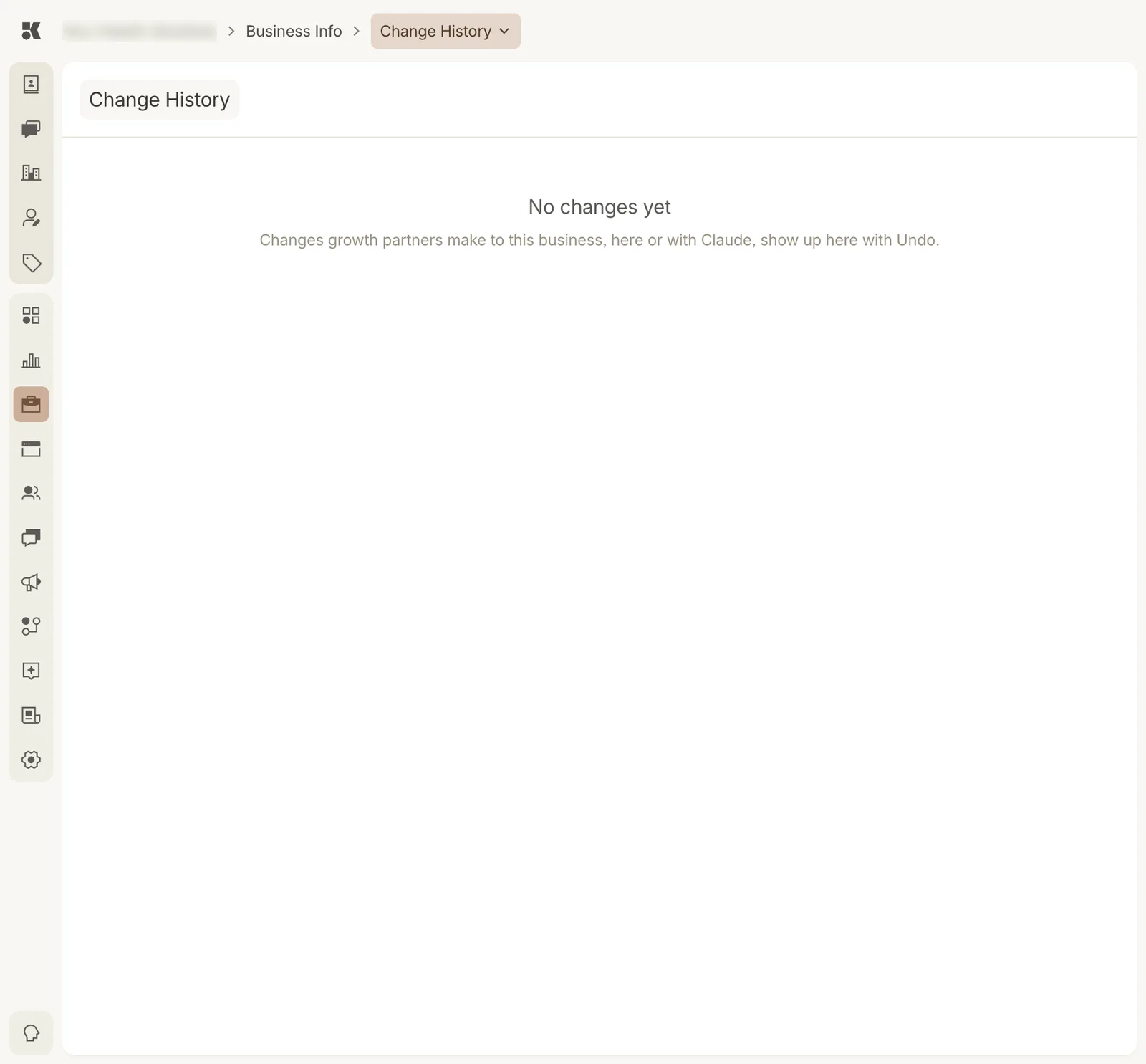
An account with no recorded changes yet.
What is recorded
Every change to a Business Info record: a field edited in the console, a service added by an agent, a FAQ rewritten through an assistant like Claude connected to your account. Each entry shows:
- What changed, as a before and after.
- Who made it: a named user, a Keystone agent, or a connected assistant.
- When.
- Undo, where the change can be reversed.
Undo
Undo restores the previous values of that one change. It does not undo later changes to the same record; those remain. The undo itself is recorded, so nothing is lost.
Why it exists
Agents and assistants edit on your behalf. Change History is how you audit that work, and how a mistake made at 2 a.m. is reversed at 8 a.m. without a support ticket.