
Website
Integrations (developer access)
Let your own developers and coding tools work on the site's repository.
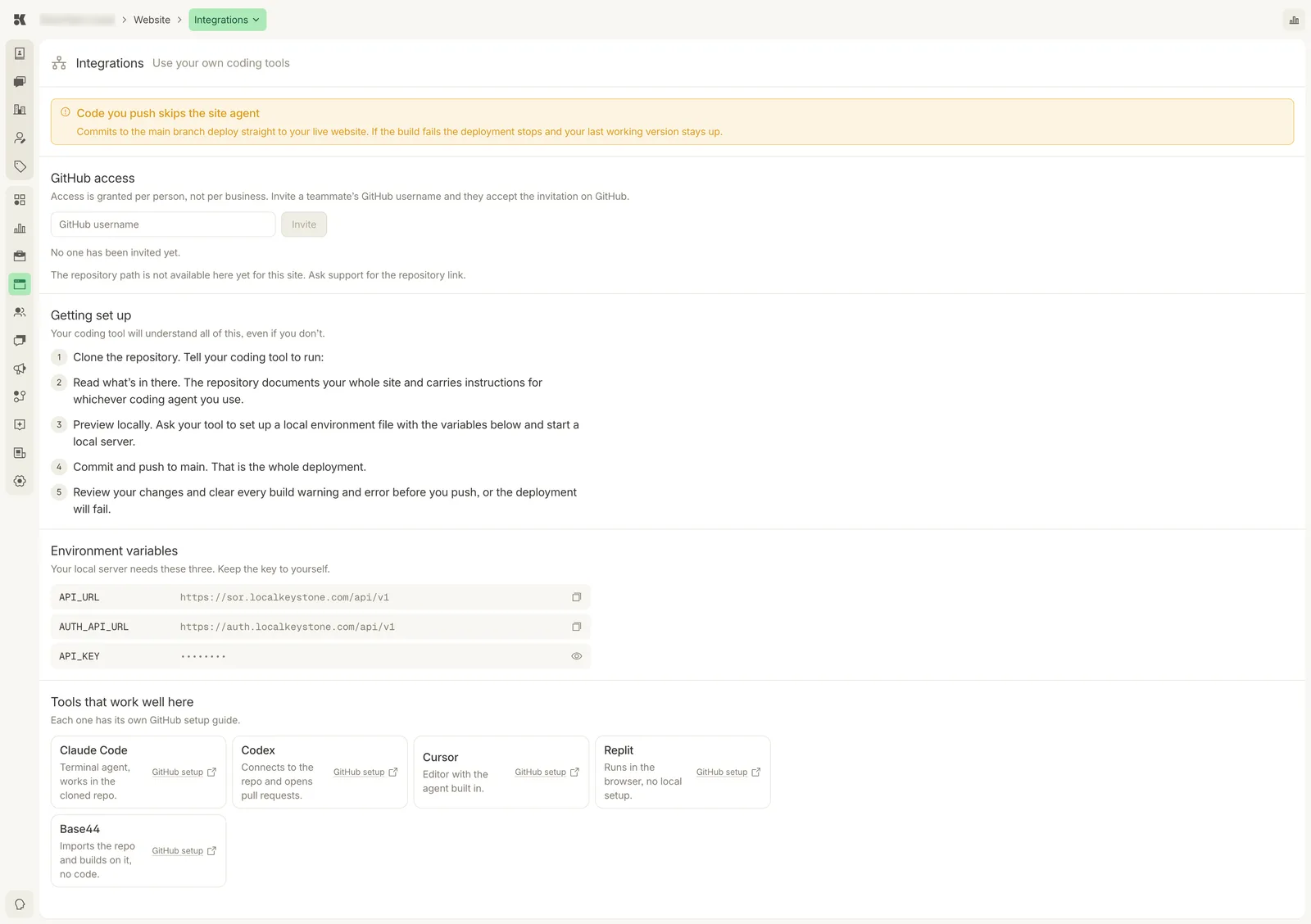
Everything a developer or coding agent needs to clone, run, and push.
Who this is for
Businesses with their own developer or who want to use a coding tool directly on the site. Everything the Website agent can do, you can do here by hand.
GitHub access
Access is granted per person, not per business. Enter a teammate's GitHub username and click Invite; they accept the invitation on GitHub. The repository path appears here once the site has one.
Getting set up
- Clone the repository. Tell your coding tool to run the clone.
- Read what is there. The repository documents your whole site and carries instructions for whichever coding agent you use.
- Preview locally. Ask your tool to set up a local environment file with the variables below and start a local server.
- Commit and push to
main. That is the whole deployment. - Review your changes and clear every build warning and error before you push, or the deployment will fail.
Environment variables
Your local server needs three. Keep the key to yourself.
| Variable | Purpose |
|---|---|
API_URL | Where the site reads your business facts from. |
AUTH_API_URL | Where visitor sign-in and consent are handled. |
API_KEY | Your site's key, revealed with the eye icon. Treat it like a password. |
Tools that work well here
Claude Code, Codex, Cursor, Replit, and Base44 each have a GitHub setup guide linked from the card. Any tool that can clone a repository works.