
Business Info
Media Library
Every photo for your business, plus industry photos, photo search, generation, and transforms.
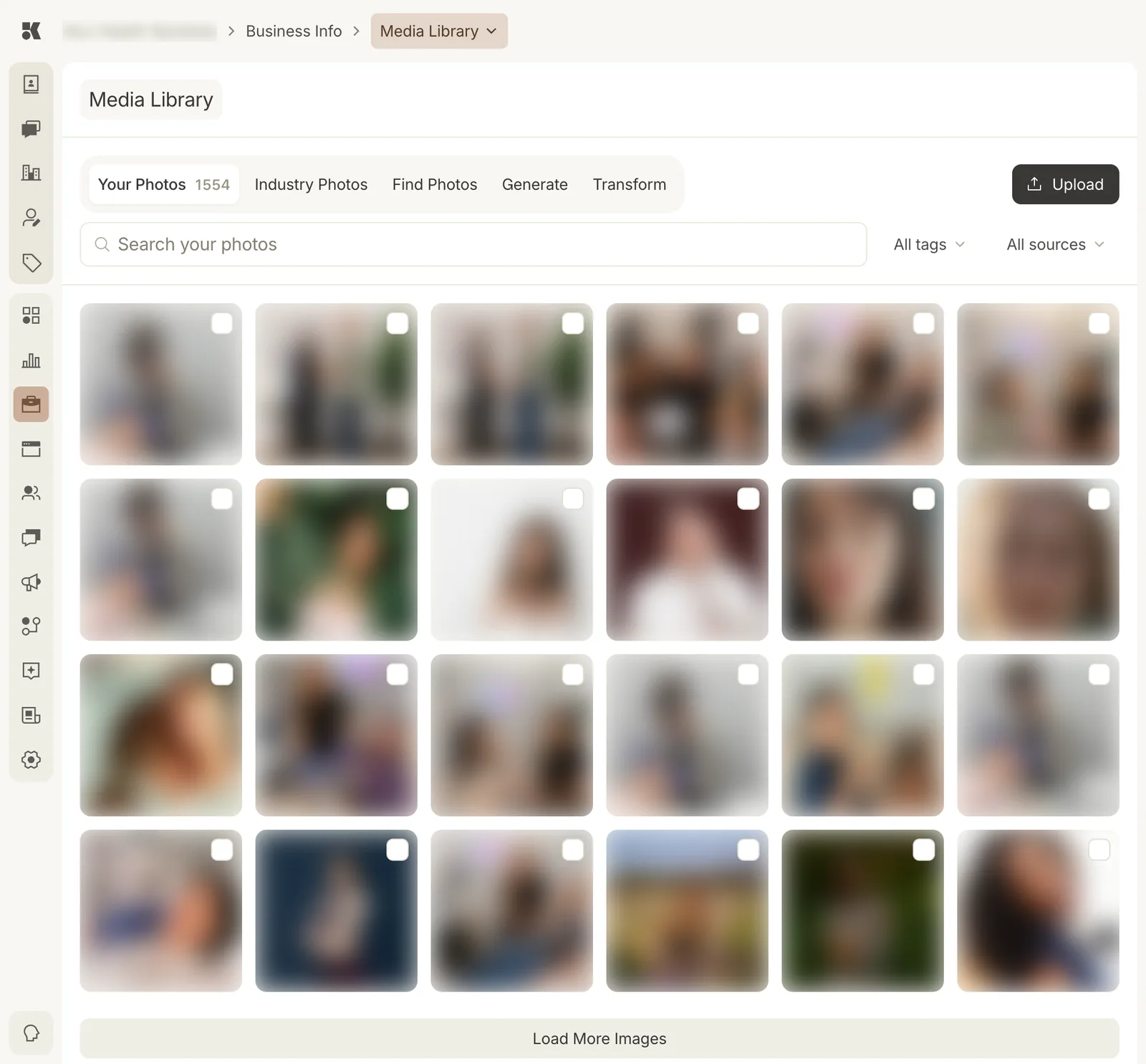
Your Photos is the working set. The other tabs bring photos in.
Tabs
| Tab | What it does |
|---|---|
| Your Photos | Everything uploaded or imported for this business. Search, filter by tag or source, select, and use. |
| Industry Photos | Licensed photos matched to your industry, ready to add to Your Photos. |
| Find Photos | Search stock libraries for a subject and import the results. |
| Generate | Describe a photo and have one created in your brand's style. |
| Transform | Crop, extend, recolour, or restyle an existing photo. |
Sources and tags
Every photo carries a source (Upload, Instagram, Facebook, Industry, Generated, Website) and tags the platform assigns from what it sees in the image. The two filters above the grid narrow the grid by either.
Using photos
Photos are picked from this library by every other section: service and item photos, team portraits, package images, blog post images, social posts. Upload here first, then select where it is needed.
Upload
Upload accepts JPG, PNG, and WebP. Large files are stored at full size and resized on the way to the website.