
Settings
Import Data
Seed Business Info from your existing website, or upload custom data.
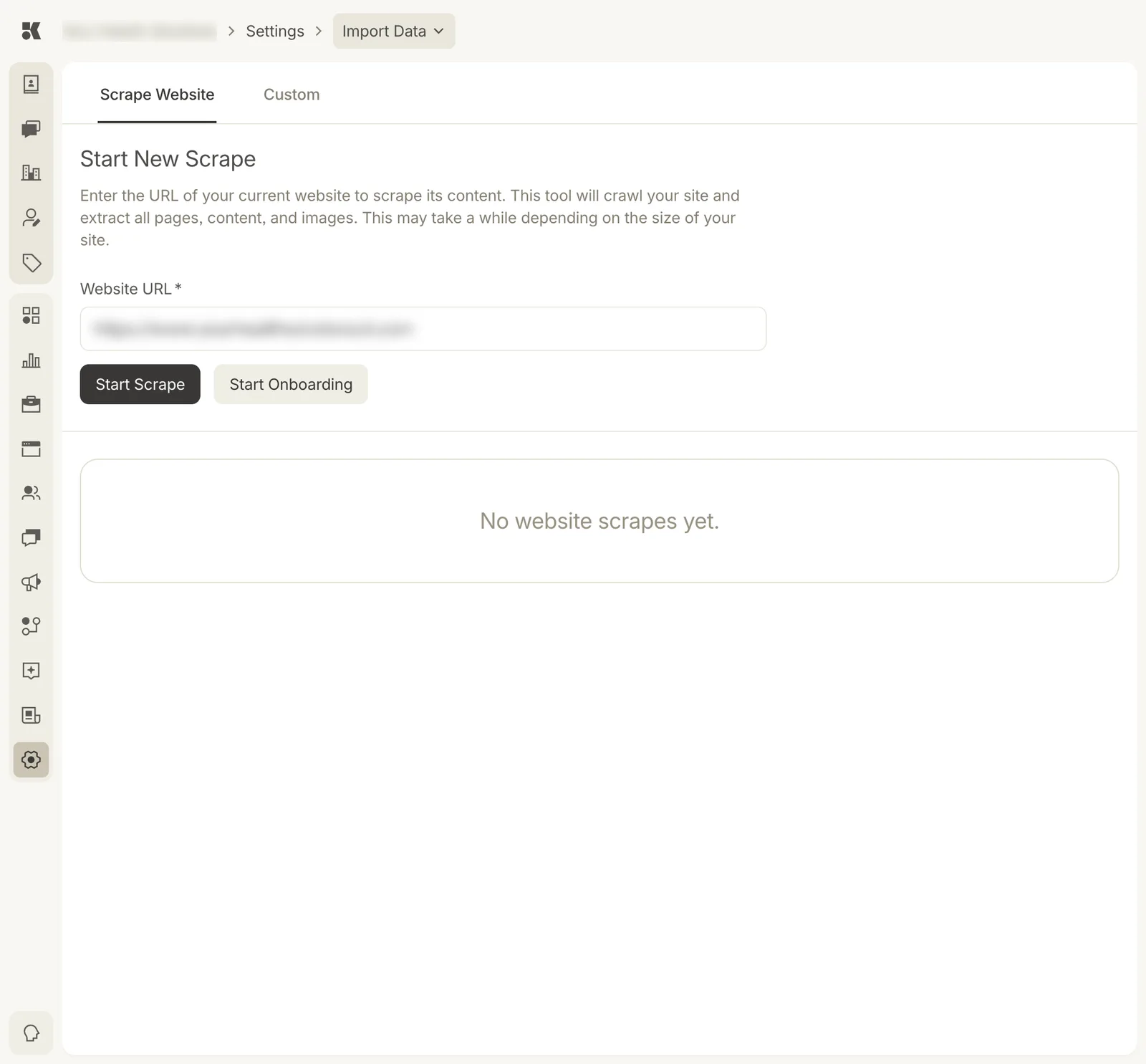
Scrape Website reads your current site; Custom takes files.
Scrape Website
Enter the URL of your current site and Start Scrape. The tool crawls every page and extracts content and images. When it finishes, Start Onboarding walks through what it found and writes it into Business Info: services, team, FAQ, locations, photos.
Scrapes are listed below the form with their status and page count. Large sites take a while.
Custom
Upload a spreadsheet of services, prices, team members, or contacts. The tool maps columns to fields and previews before writing anything.