
Website
History
Every commit to your site, newest first, with who or what made it.
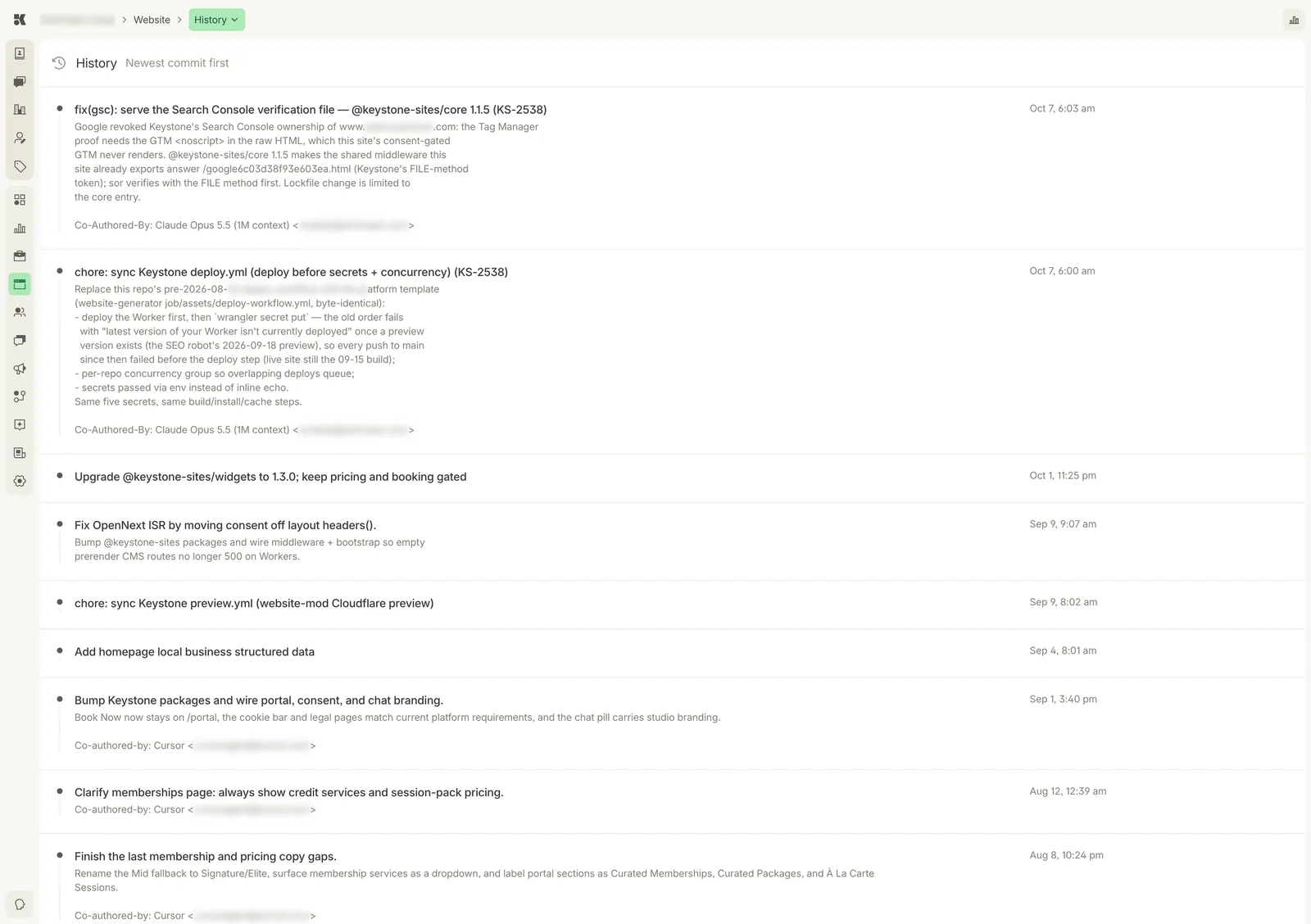
A commit log. Agent-made commits carry a Co-Authored-By line naming the model or tool.
What a commit is
Each entry is one change to the site's code: a copy edit from the Editor, a package upgrade, a fix the platform rolled out to every site, or a push from your own developer through Integrations. The title says what; the description says why.
Reading the log
- Platform-wide changes read like
chore: sync Keystone deploy.ymlorUpgrade @keystone-sites/widgets to 1.3.0. Keystone maintains the shared parts of every site and these commits record it. - Your changes read like the request you made: "Clarify memberships page: always show credit services and session-pack pricing."
- Co-Authored-By names the agent or tool that wrote the change.
Reverting
Ask in the Website Editor: "undo the change from Oct 1 to the memberships page". The agent reverts that commit and opens a preview.