
Analytics
Ads analytics
Impressions, clicks, spend, and leads across campaigns, with a per-campaign table and a health flag.
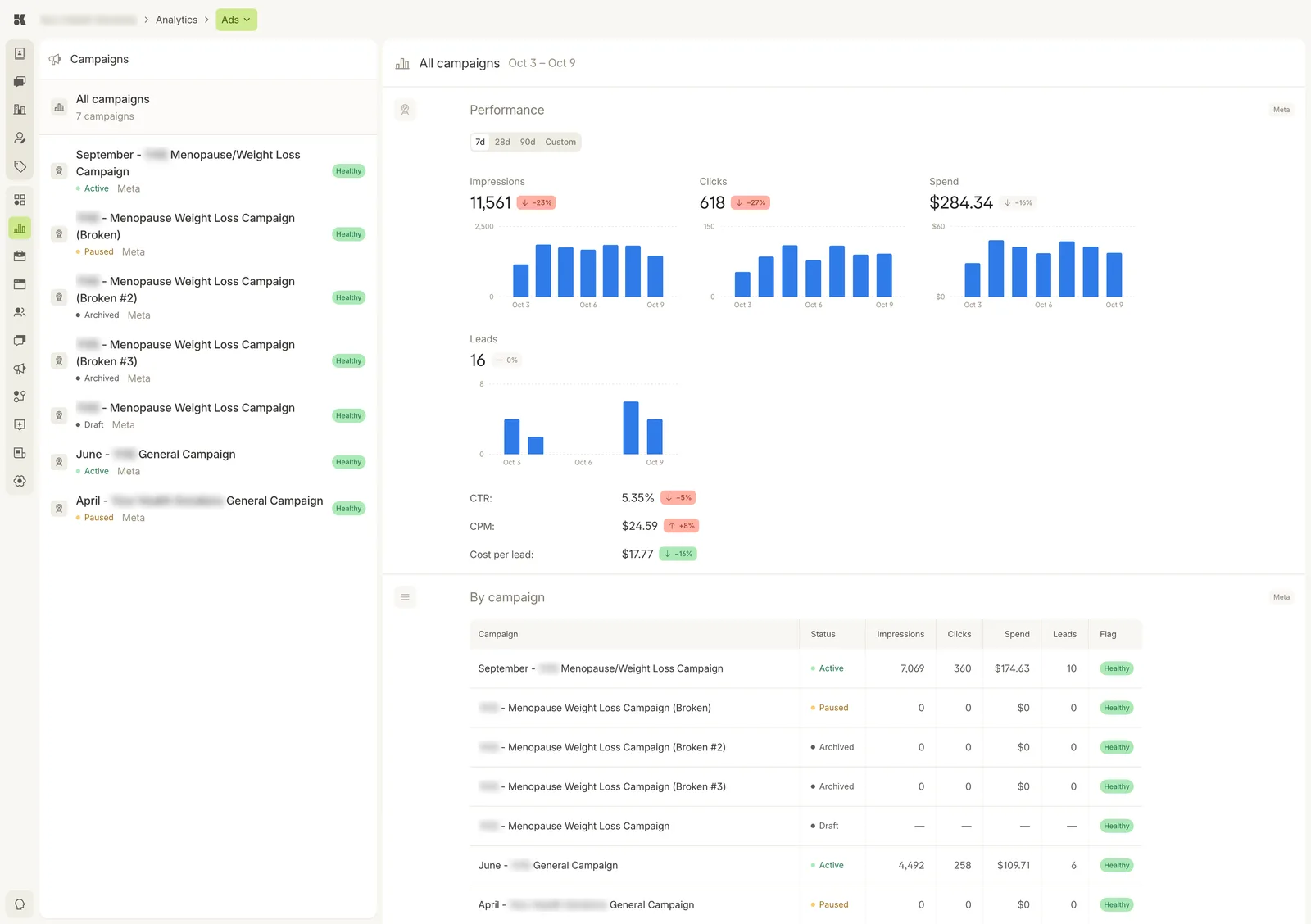
All campaigns selected. The period picker (7d, 28d, 90d, Custom) sits above the charts.
Campaigns
The left column lists every campaign with its status and a health flag. Select one to narrow the figures, or All campaigns for the total.
Performance
For the chosen period: Impressions, Clicks, Spend, Leads, each charted by day with its change against the prior period, and three ratios: CTR, CPM, Cost per lead.
By campaign
A table of every campaign with status, impressions, clicks, spend, leads, and Flag. The flag is the platform's read of the campaign's health; anything other than Healthy is explained in the campaign itself. Open it in Ads.