
Website
Status
Every connection your site depends on, with its state and when it last reported.
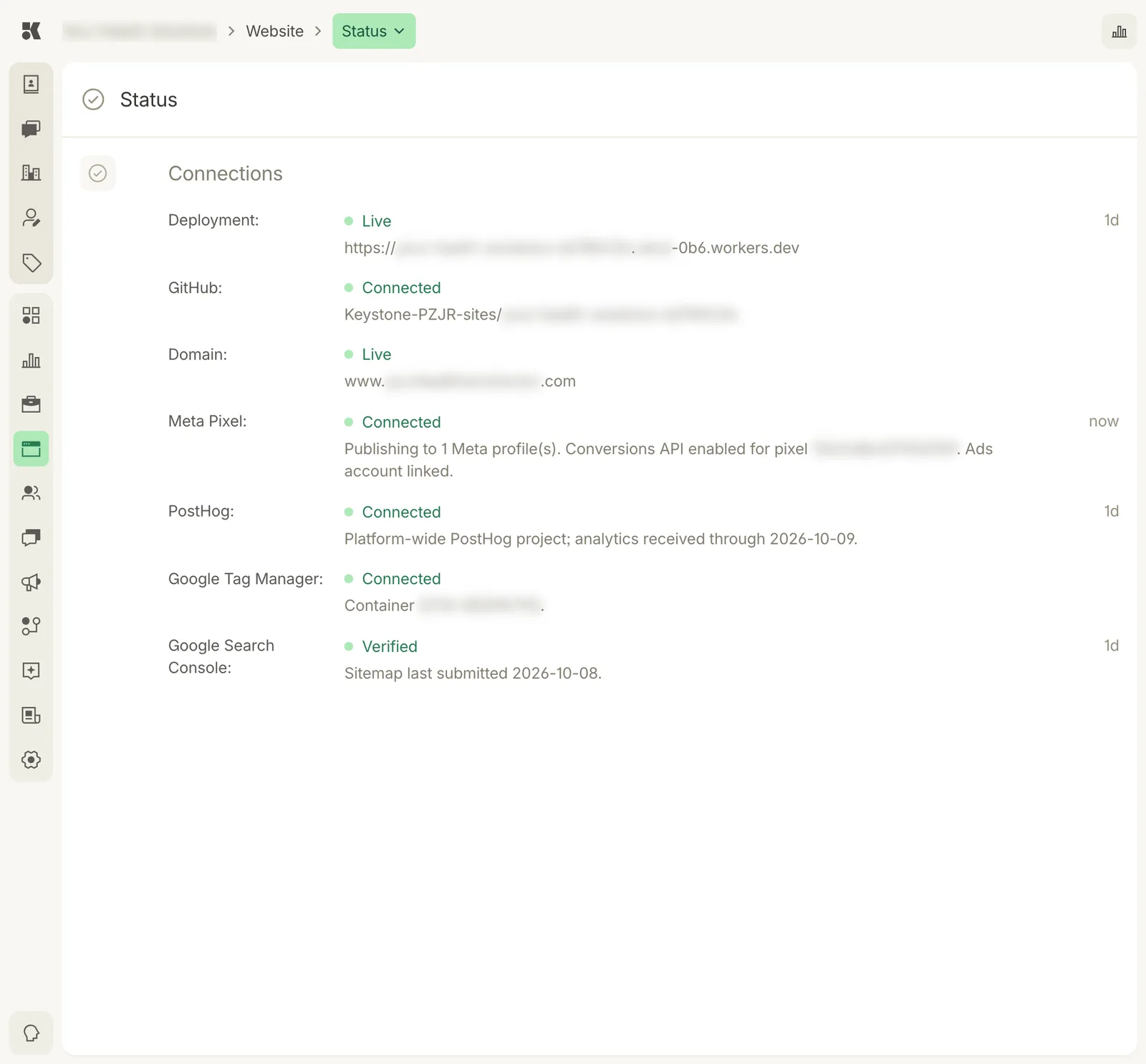
Green means working. The right column is how long ago each connection last reported.
Connections
| Connection | What it tells you |
|---|---|
| Deployment | The hosting URL and whether the latest build is Live. The time is the last deploy. |
| GitHub | The repository your site's code lives in. Connected means commits flow to it. |
| Domain | Your custom domain and whether it is serving the site. See Domain. |
| Meta Pixel | Whether the pixel is installed, which Meta profiles it publishes to, whether the Conversions API is on, and whether the ads account is linked. |
| PostHog | Site analytics. The date is the last day analytics were received. |
| Google Tag Manager | The container id installed on the site. |
| Google Search Console | Whether the site is verified and when the sitemap was last submitted. |
What to do when something is not green
- Deployment not Live: the last build failed. The previous version is still serving. Check History for the commit, and ask in the Editor for it to be fixed.
- Domain not Live: DNS records are missing or not yet propagated. Open Domain and use Verify Records.
- Meta Pixel not Connected: connect Meta under Settings → Integrations.
- Search Console not Verified: the platform verifies for you; if it stays unverified for a day, contact support.