
Settings
Agents
One set of global instructions, plus rules per agent. The most leveraged page in the console.
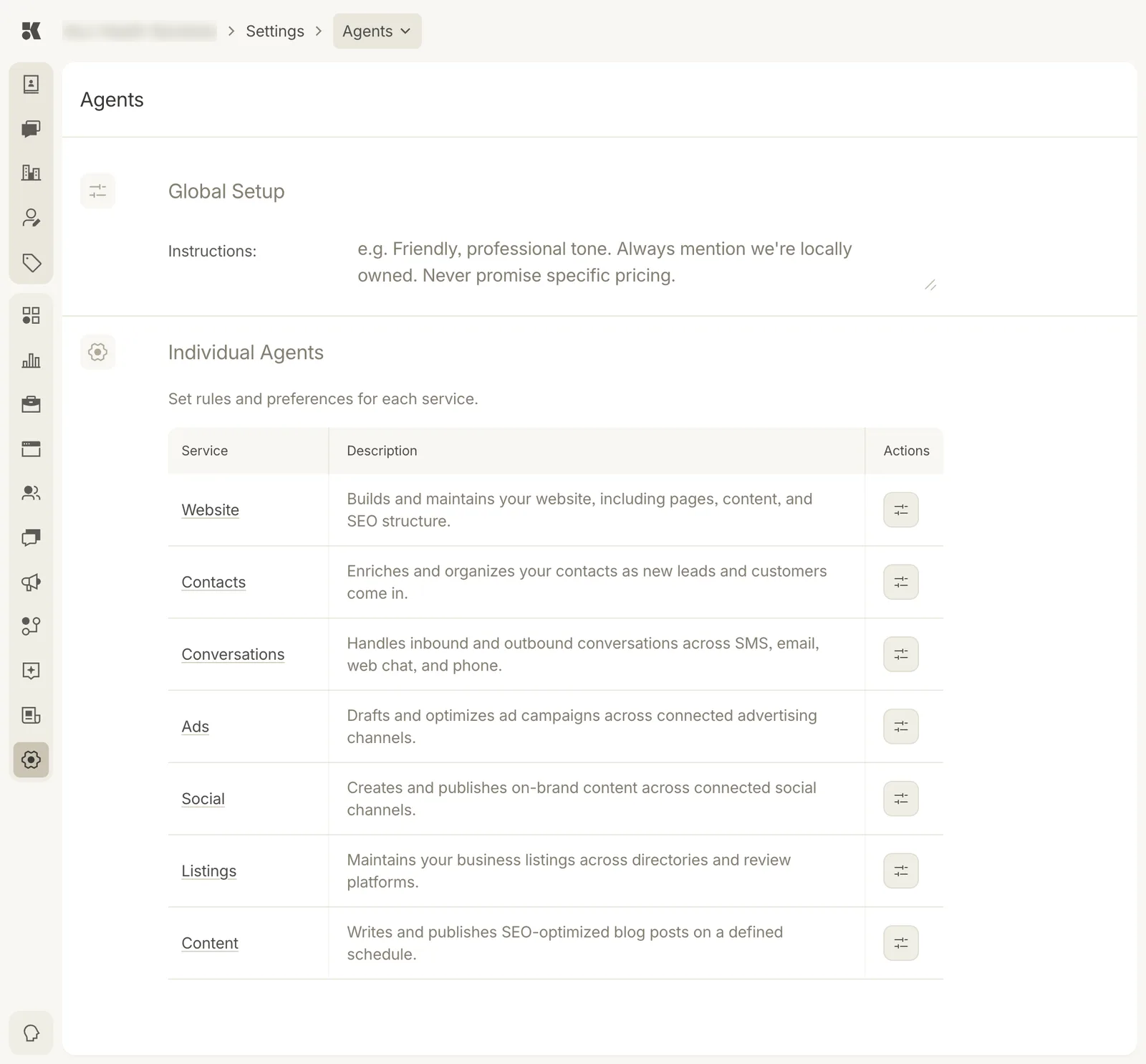
Global instructions apply to every agent; the table opens each agent's own rules.
Global Setup
One text box, Instructions, read by every agent before it acts. Write it as you would brief a new employee:
Friendly, professional tone. Always mention we're locally owned. Never promise specific pricing. Never give medical advice beyond what is on the FAQ. Refer to our providers as "nurse injectors", not "technicians".
Short, declarative sentences work best. Change it any time; the next agent run uses the new text.
Individual Agents
| Agent | Does |
|---|---|
| Website | Builds and maintains your website, including pages, content, and SEO structure. |
| Contacts | Enriches and organizes your contacts as new leads and customers come in. |
| Conversations | Handles inbound and outbound conversations across SMS, email, web chat, and phone. |
| Ads | Drafts and optimizes ad campaigns across connected advertising channels. |
| Social | Creates and publishes on-brand content across connected social channels. |
| Listings | Maintains your business listings across directories and review platforms. |
| Content | Writes and publishes SEO-optimized blog posts on a defined schedule. |
The sliders button on a row opens that agent's settings: its own instructions, its schedule where it has one (Social and Content cadence), and what it may do without asking (publish directly versus draft for approval).
Approval vs. autonomy
Each agent can be set to draft for approval (every output becomes a Needs input item) or publish (it acts and tells you). New accounts start with approval on for Social, Content, and Ads. Loosen once you trust the output.