
Business Info
Service Items
The individual priceable items under your services, with offers.
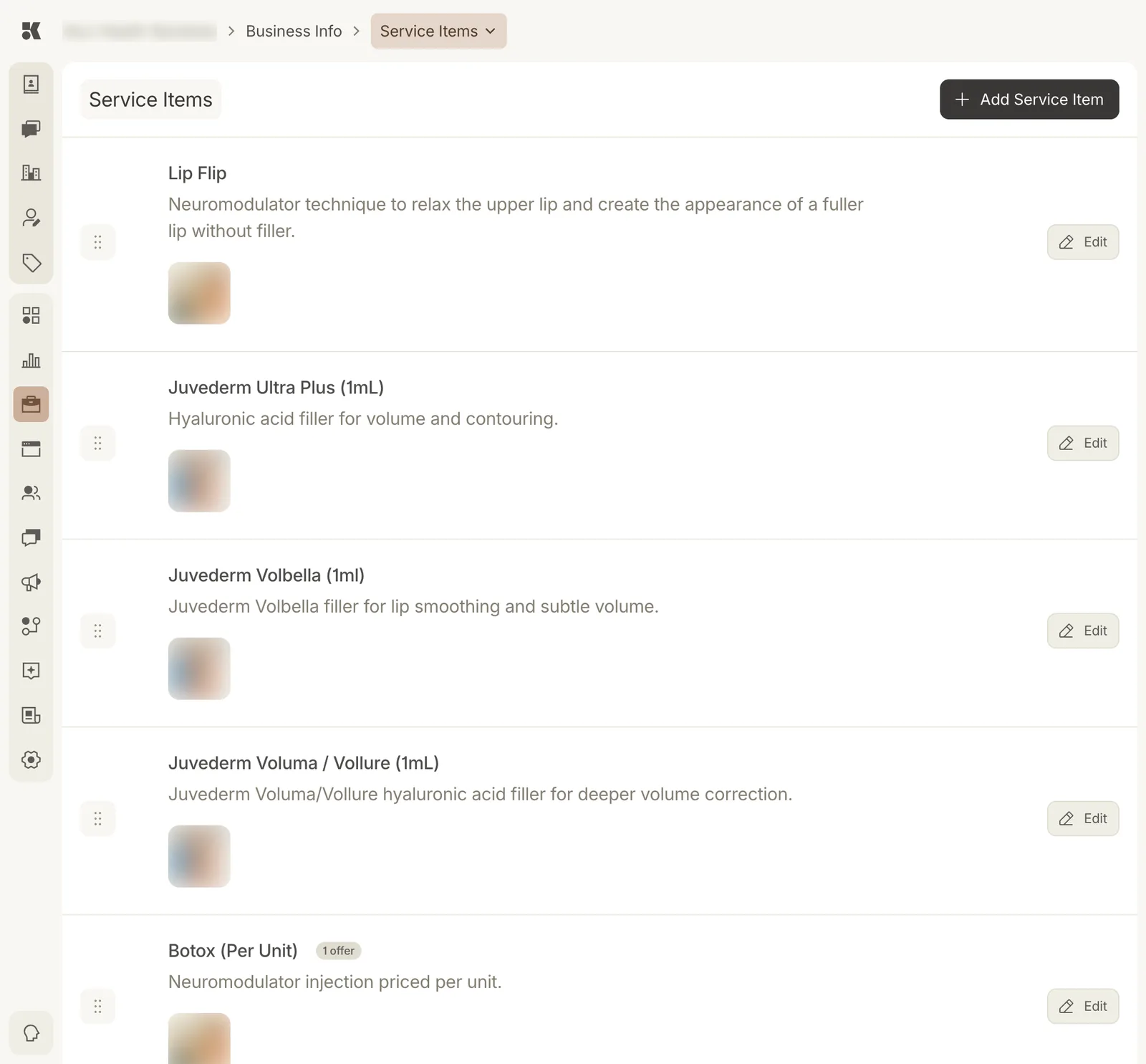
Items belong to a service and carry the price.
What an item is
An item is the unit a customer buys: a syringe, a unit, a session, a consultation. Each has a name, description, photo, the service it belongs to, and pricing: a fixed price, a starting-at price, or a range.
The website lists items under their service with prices. The Conversations agent answers "how much is Botox?" from the item, and nothing else.
Offers
An item can carry one or more offers: a discounted price with an optional date range. Rows with offers show a chip, 1 offer. Offers appear on the site and can be quoted by the Ads and Conversations agents while active.
Ordering
Drag the handle to reorder items within the list; the order carries to the service page.