
Business Info
Jobs
Open positions, published as a careers page with an application form.
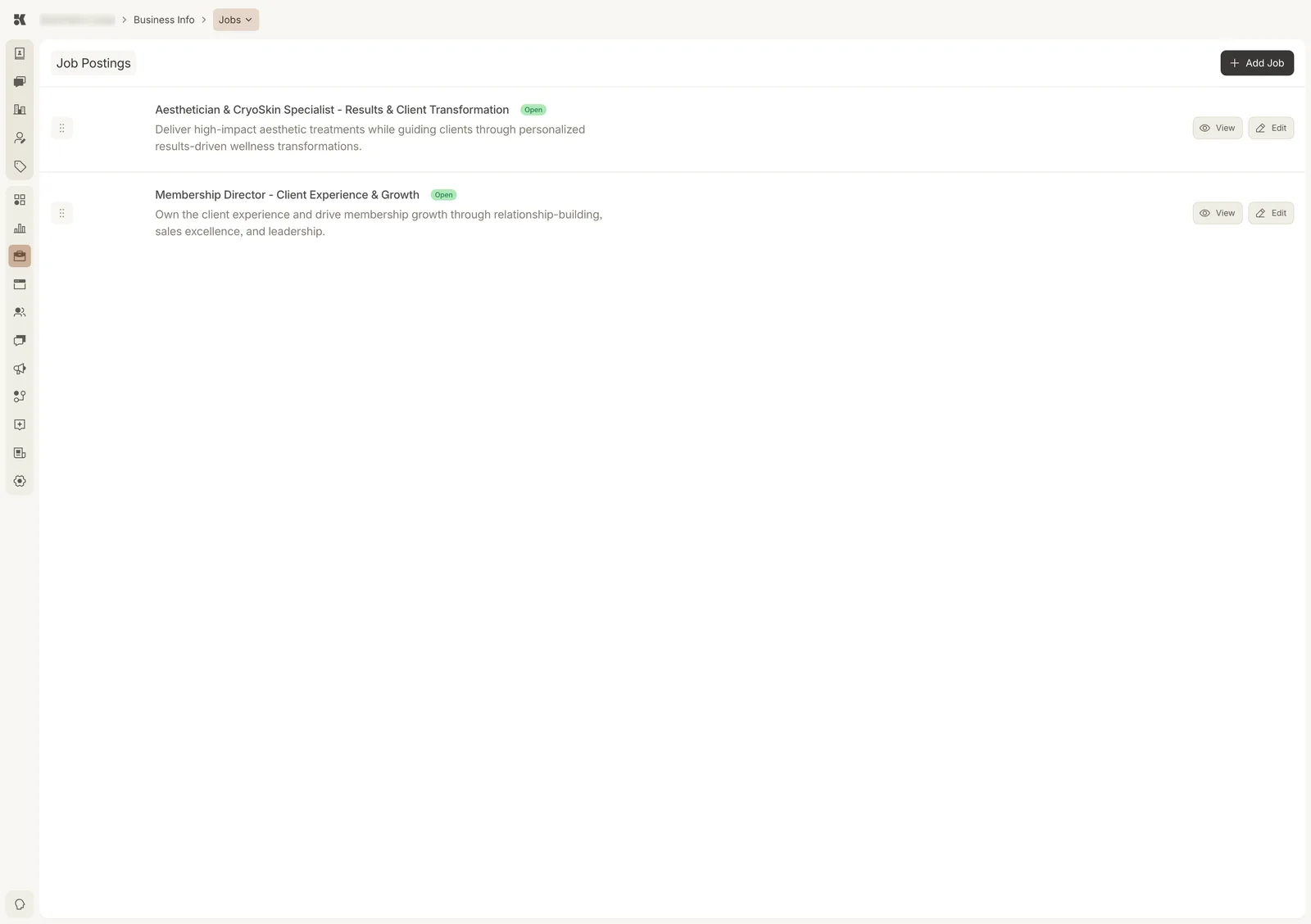
Each posting has a public page; View opens it.
Fields
- Title and summary: the line on the careers page.
- Description: the full posting, in rich text.
- Status: Open (published) or Closed (kept, not shown).
- Location and type (full-time, part-time, contract), optional.
Applications
The careers page uses the Job Application form from Custom Forms. Submissions arrive as Workstream items and as contacts tagged with the posting.
Closing a posting
Set its status to Closed. The page is removed from the site on the next deploy; the record and its applications remain.