
Analytics
Analytics overview
One page that summarizes your website, Maps listing, ads, and blog over the last 30 days.
Analytics has five sections: Overview, Website, Maps, Ads, and Content. Overview is the summary; the other four go deep on one channel each. Switch sections with the last crumb in the breadcrumb.
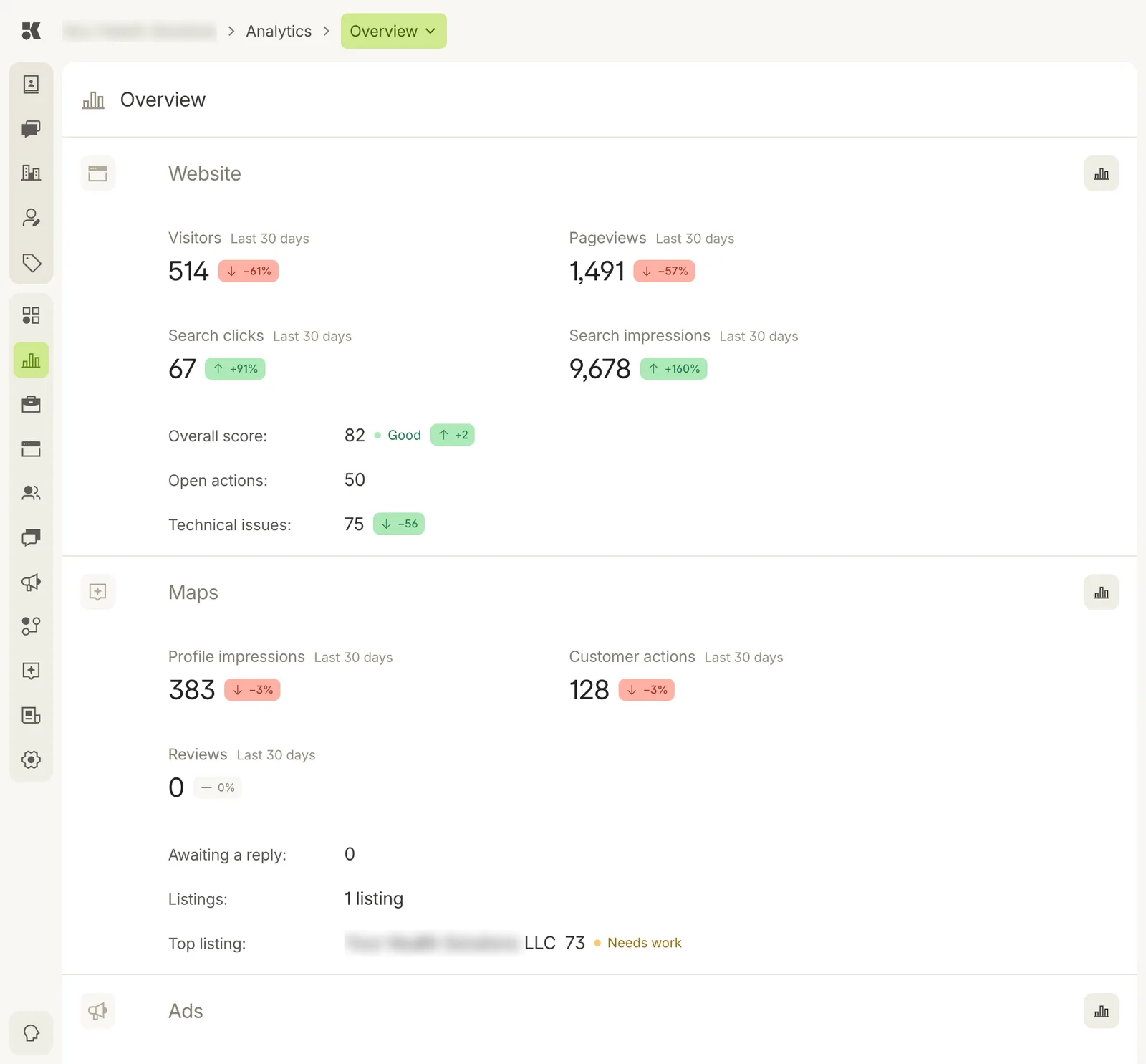
Each block is a channel. The chart icon at the right of a block opens that channel's own section.
Reading the numbers
Every figure covers the last 30 days and carries a change pill against the 30 days before: green up, red down, grey for no change.
| Block | Figures |
|---|---|
| Website | Visitors, Pageviews, Search clicks, Search impressions; Overall score with its grade; Open actions; Technical issues. |
| Maps | Profile impressions, Customer actions, Reviews; Awaiting a reply; number of listings; Top listing with its readiness score. |
| Ads | Impressions, Clicks, Spend, Leads across active campaigns. |
| Content | Search impressions and clicks on blog posts. |
Scores and grades
Website and Maps carry a score out of 100 with a grade: Good, Fair, Needs work. The score comes from Keystone's own audit of your site or listing. The Website section explains what moved it and what to fix; see Website analytics.