
Social
Social
Posts the platform writes and schedules for your connected profiles, in a list and on a calendar.
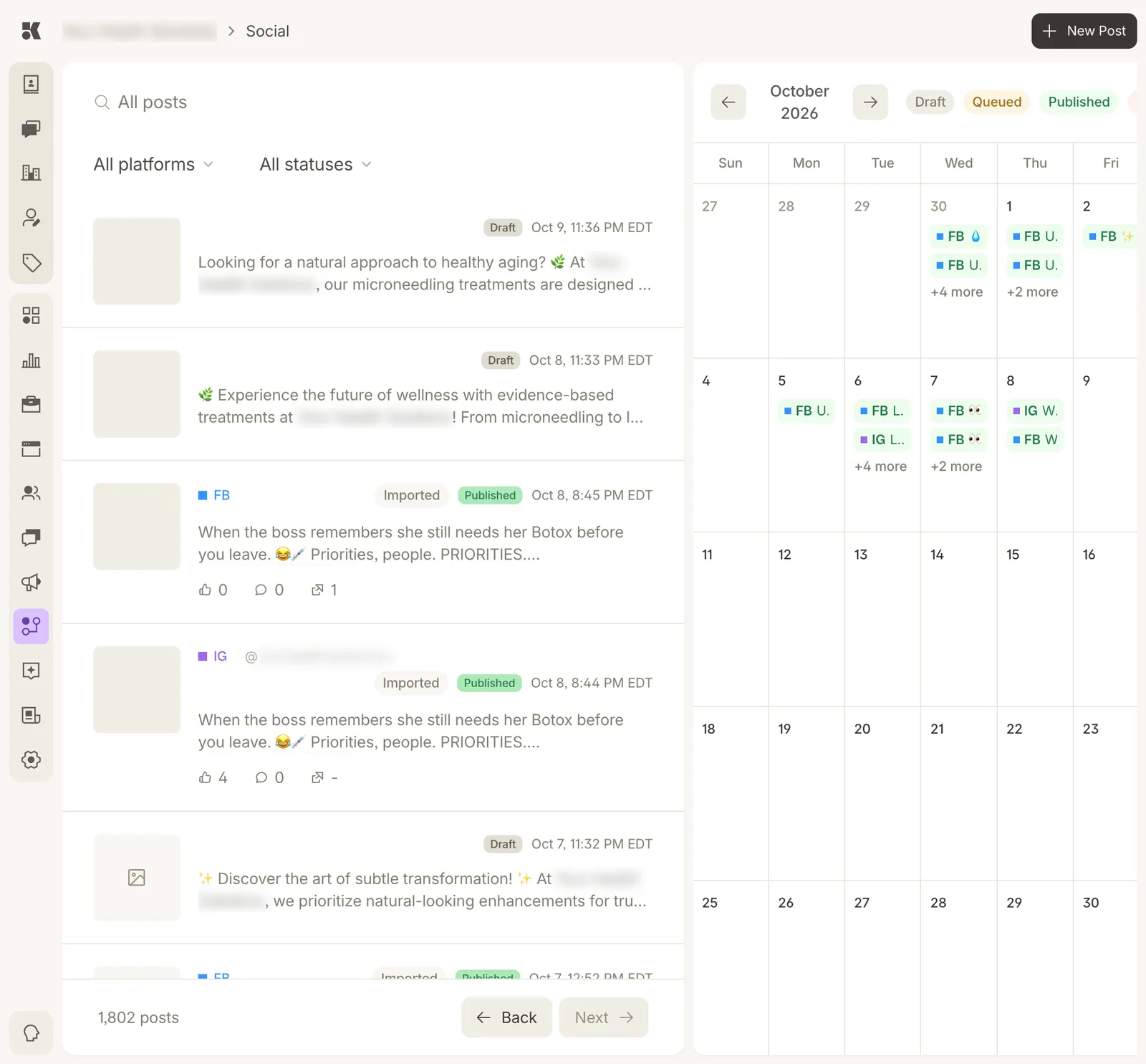
List on the left, calendar on the right. The legend colours match the calendar chips.
The list
Every post, newest first, with filters for platform and status. Each row shows:
- a thumbnail of the image;
- the platform (FB, IG) and, for published posts, the account;
- Draft, Queued, or Published; and Imported for posts that already existed on your profile when it was connected;
- the opening of the caption;
- for published posts, likes, comments, and shares.
The calendar
The month view shows what went out and what is scheduled, one chip per post per platform. Arrows move between months. Click a chip to open the post.
Statuses
| Status | Meaning |
|---|---|
| Draft | Written by the Social agent, awaiting your review. Appears in the Workstream as a New Post item. |
| Queued | Approved and scheduled. |
| Published | Live on the profile. |
Reviewing a draft
Open it from here or from the Workstream. Edit the caption and image directly, or ask for a revision ("shorter, no emoji"). Approve to queue it. See Working an item.
Writing a post yourself
New Post opens a blank post: caption, image from the Media Library, platforms, and a time. Save as Draft or queue it.