
Contacts
Form submissions
Every form filled in on your site, in one list, with each answer as it was typed.
Every form on your site lands here as a submission, newest first, whether or not it created a new contact. Open Contacts, then switch the section at the top from All Contacts to Form Submissions.
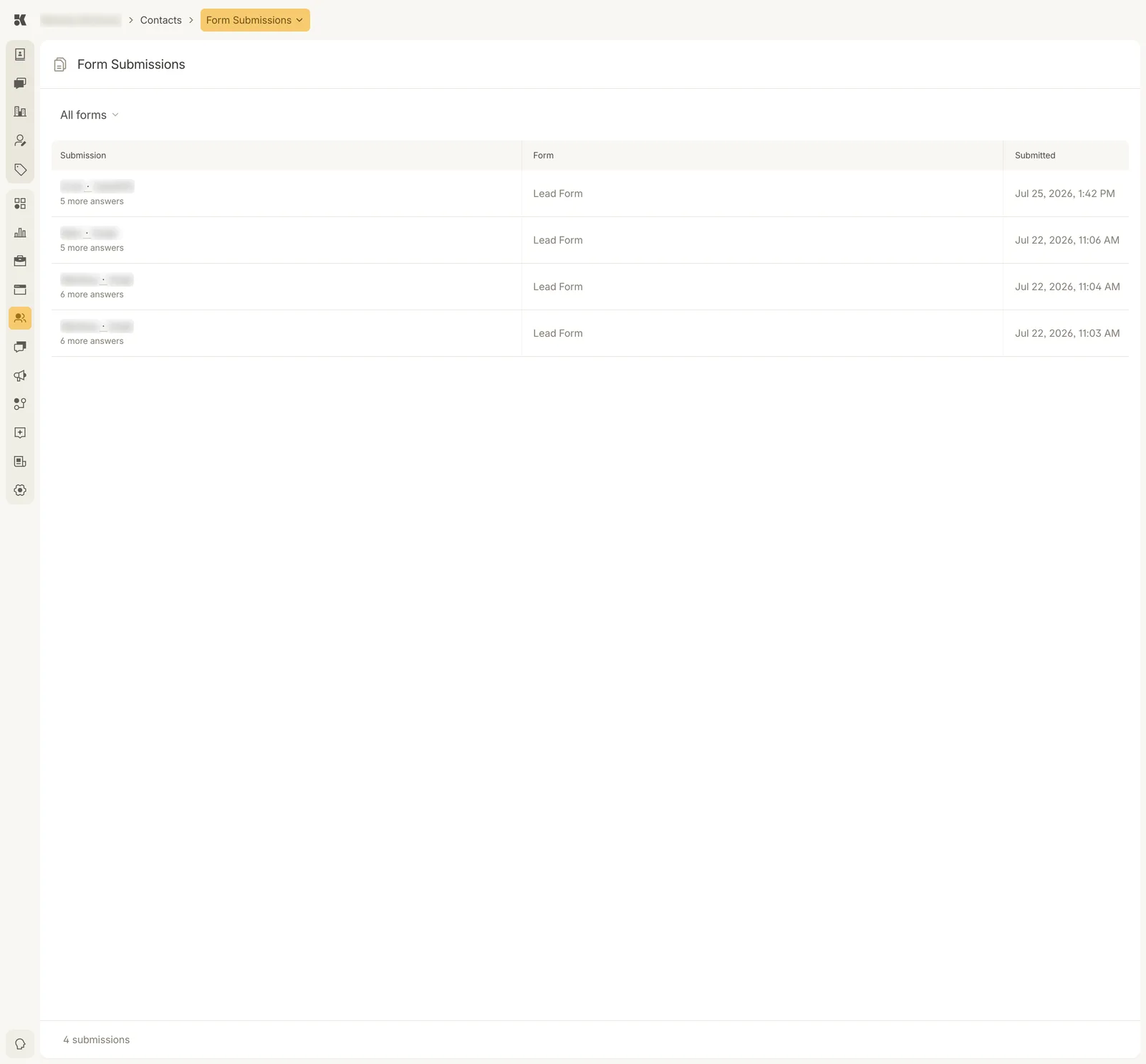
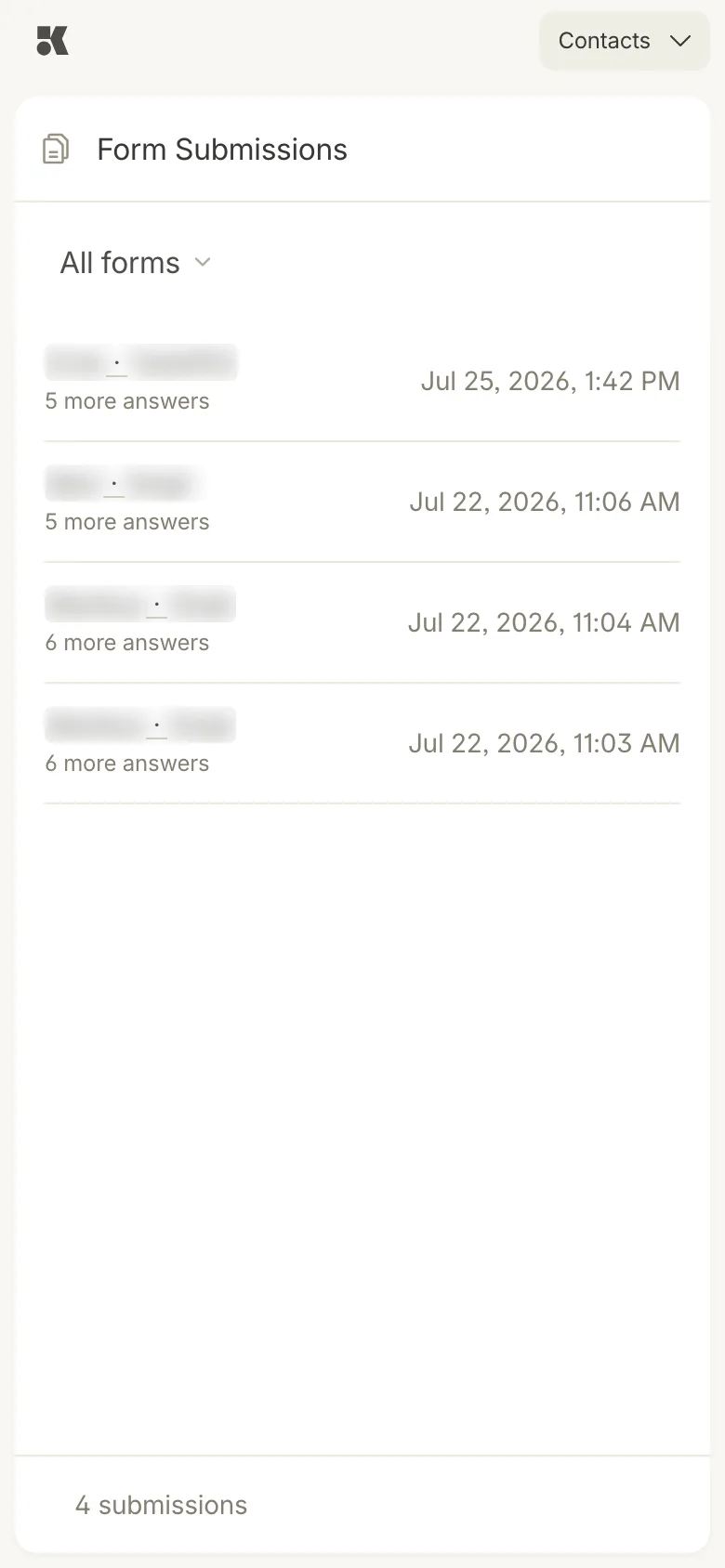
One row per submission. The first answers name the person; the count says how much more is inside.
The list
| Column | What it shows |
|---|---|
| Submission | The first answers (usually first and last name) and how many more answers the form collected. |
| Form | Which form it came from: Lead Form, Job Application, Marketing List Signup, or one you added. |
| Submitted | The date and time. |
All forms at the top filters the list to one form. The footer counts what is shown.
A submission
Click a row to open it. The page names the form and the time it was submitted, then lists every field with the answer as the person typed it, including the consent boxes they ticked. The back arrow returns to the list.
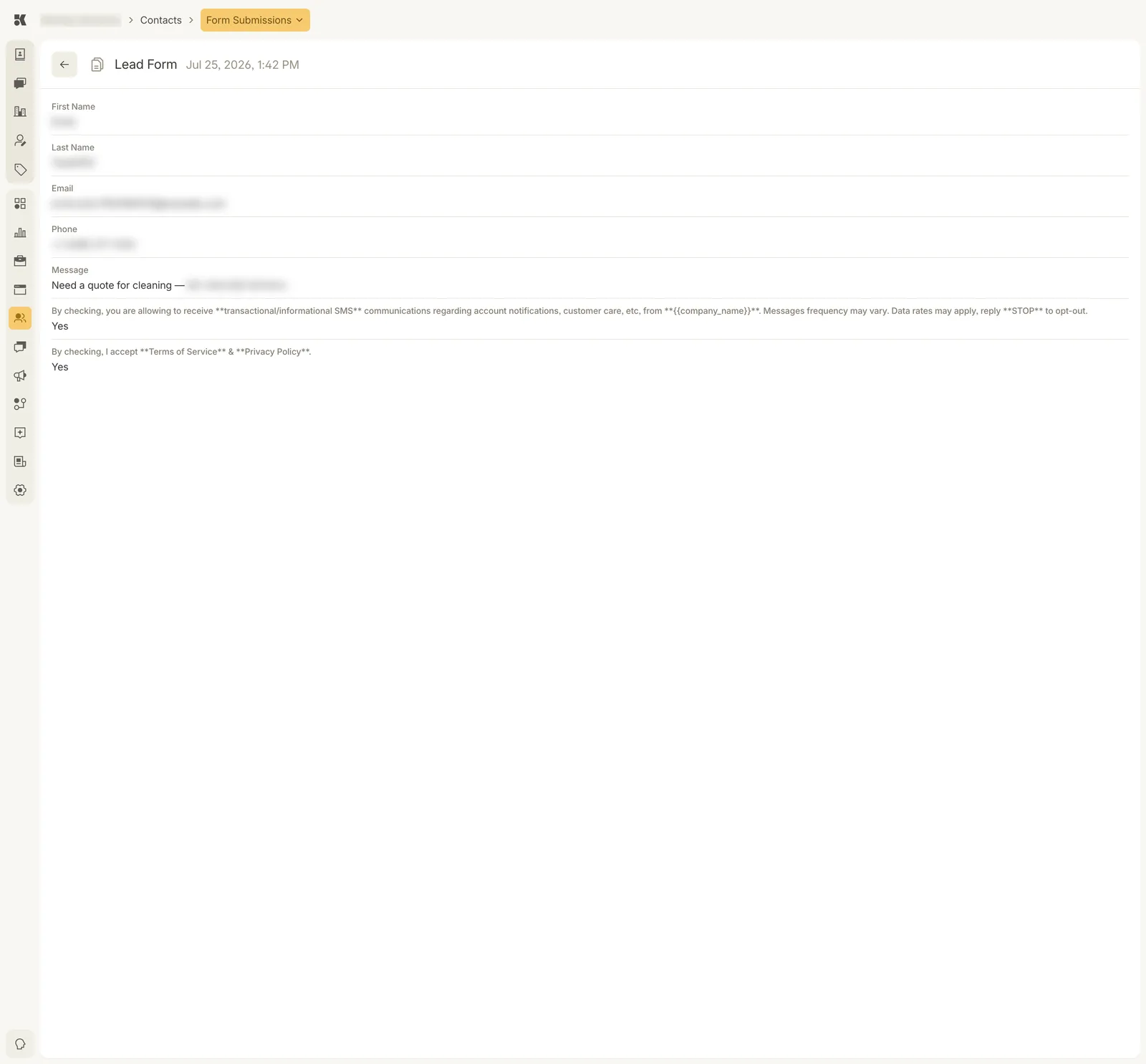
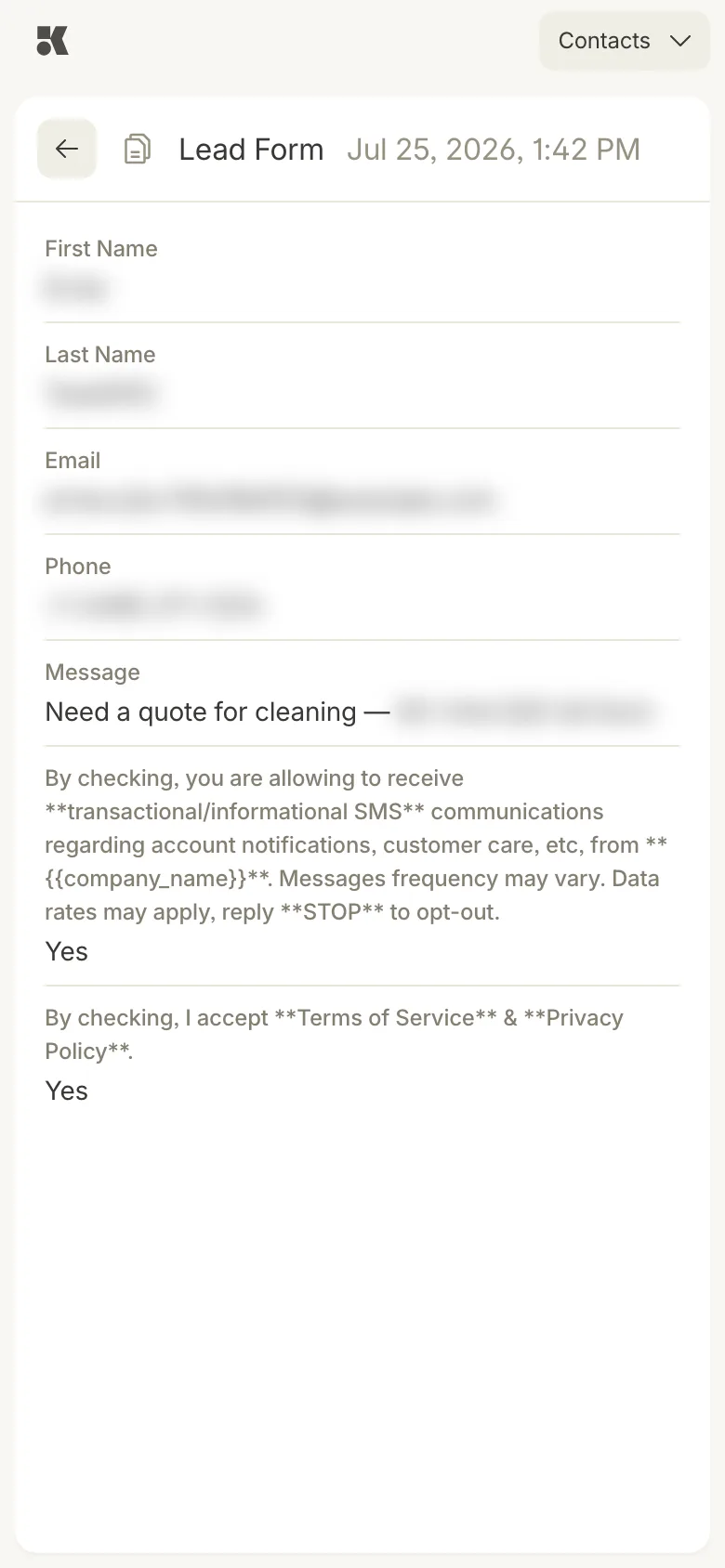
The answers as given, consent included.
Nothing here is edited. If the person's details have changed since, change them on the contact; the submission stays as the record of what was sent.
Submissions and contacts
A submission creates a contact, or is matched to the one that already has that phone or email. On the contact, Sources names the form and shows its message, and Form Submissions lists each submission with a View link that opens this same page. So a submission is reachable two ways: from the list here, or from the person.